Image to Text Extraction – OCR & Translation on iPhone
Capturing media content, recognizing text information in media files, identifying and extracting text data, enabling copying, translating, and sharing of the data. You can also upload image files to recognize and extract text information from the images.
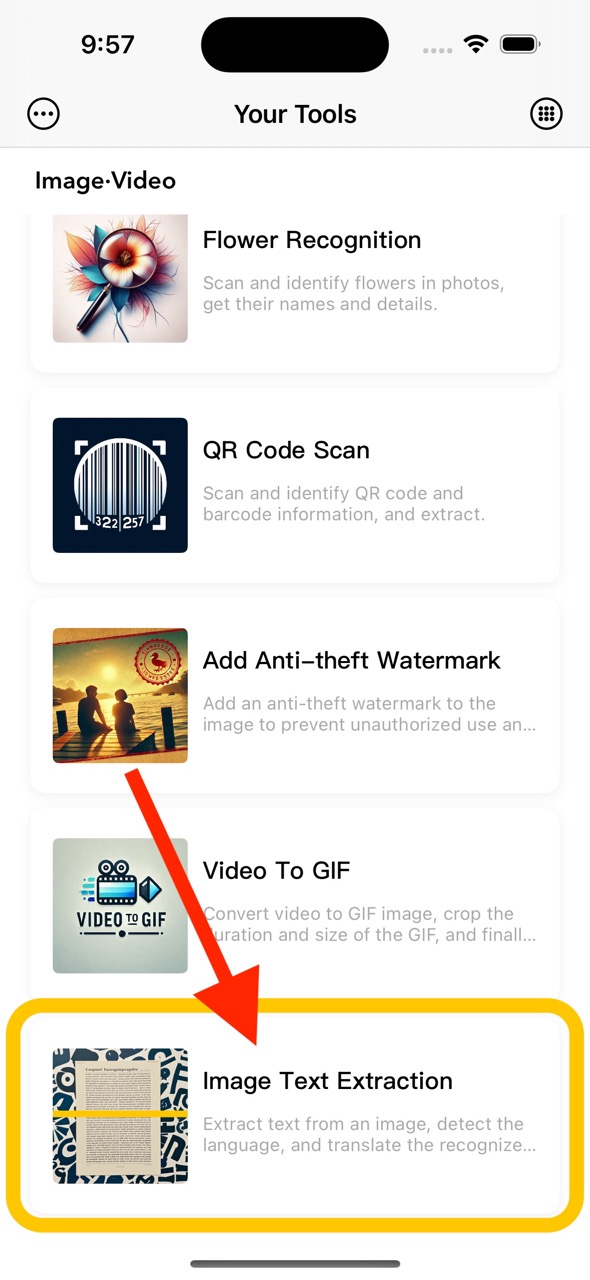
1. Select the Image Text Extraction Feature
The Image Text Extraction feature is located on the homepage function list page. You can enter it by clicking on the homepage function list or press and hold to select an image to upload for text extraction.
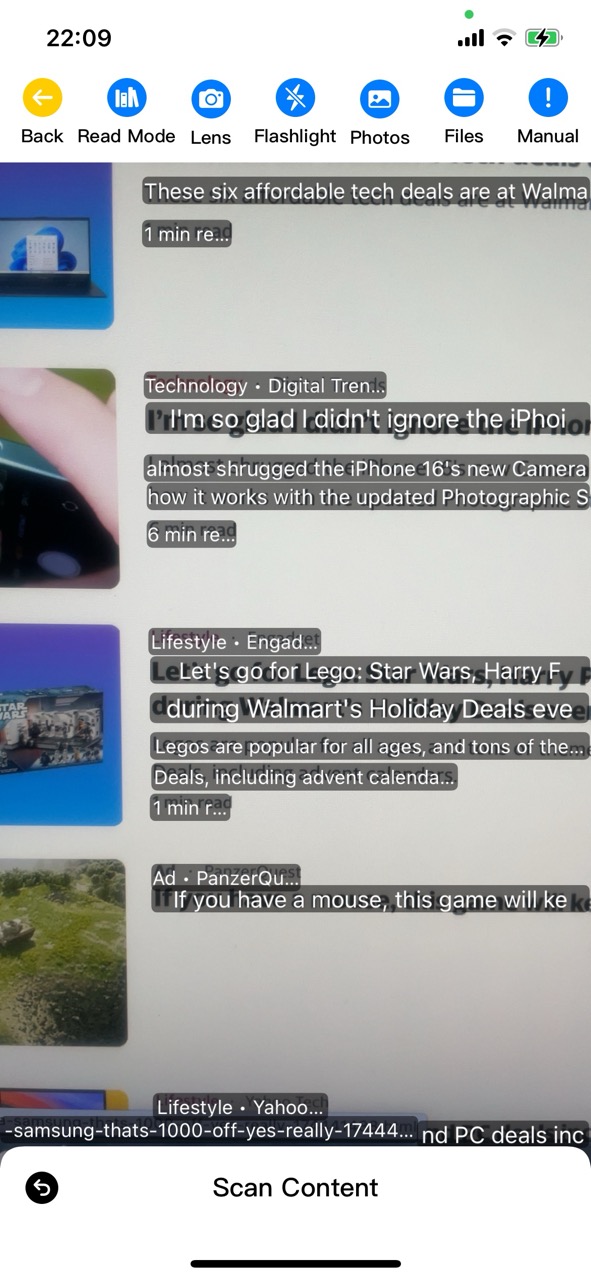
2. Capture Text with the Camera
Activating the feature starts media capture. Simply point the camera at an item with text data to instantly extract the text.
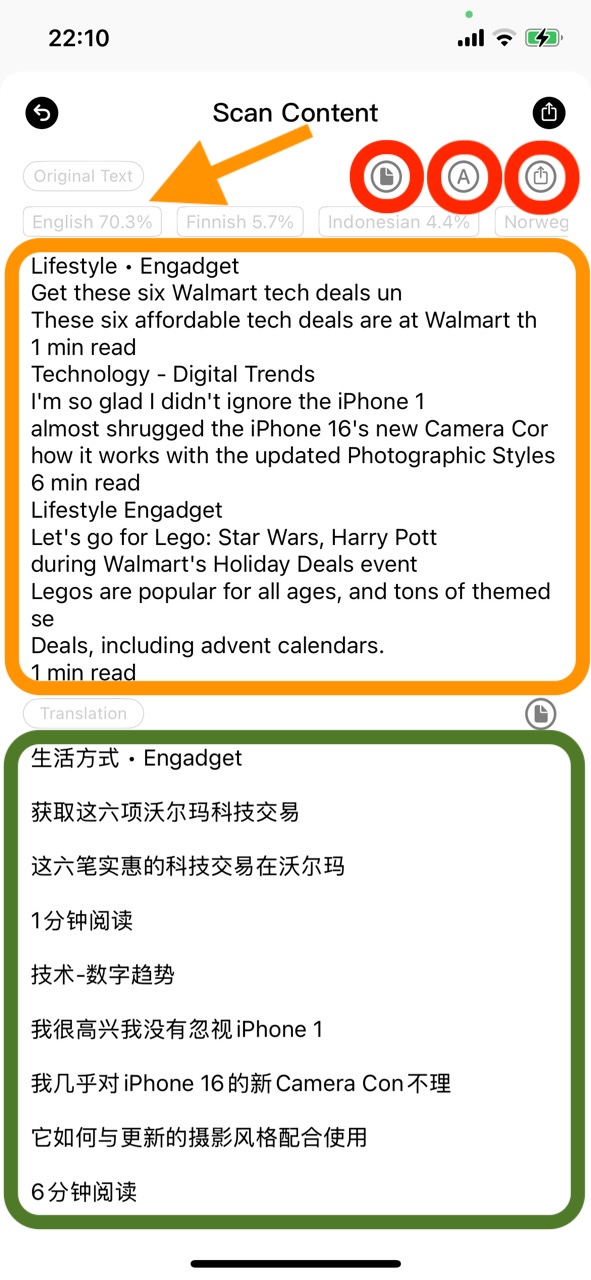
3. Scan Content and View Recognition Results
Click Scan Content at the bottom to extract the text content from the current media. The content not only displays the original text but also has been translated. Both the original text and the translated content can be shared, translated, and copied.
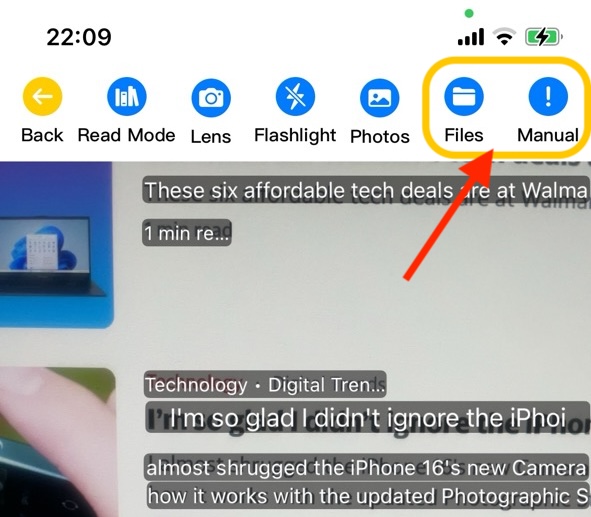
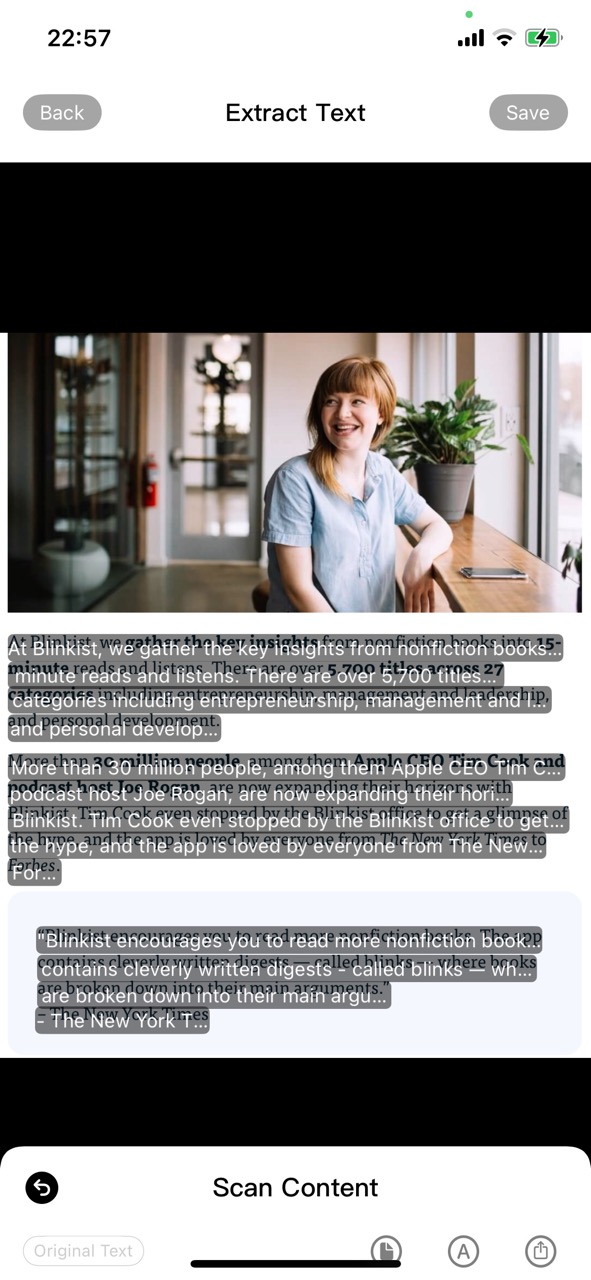
4. Extracting Text from Saved Images
Click the operation button at the top to select an image from the photo album or Files app, scan the image, and extract the text content. If the extraction is successful, the original text will be displayed, and it will have been translated. Both the original text and the translated content can be shared, translated, and copied.
You can also add the scanned text onto the image and download the new image.