Photo Style Studio – AI Portrait Style Generator
PhotoStyleStudio is an AI photo styling tool. Take or choose one photo, then generate cute, trendy, and creative portrait-style results that are easy to save and share.
PhotoStyleStudio is an AI photo styling tool. Take or choose one photo, then generate cute, trendy, and creative portrait-style results that are easy to save and share.
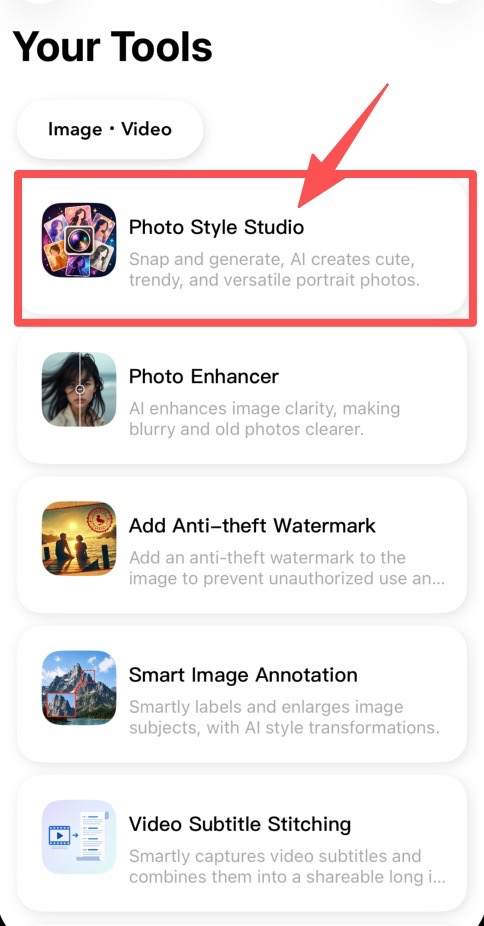
Find PhotoStyleStudio on the Your Tools home page and tap it to enter. The feature opens with a camera-first home screen, so you can start by taking a new photo right away.
The main flow starts from taking a photo. You can also choose an image from Photos or import one from the Files app. After the image is ready, the editor opens so you can pick a style.
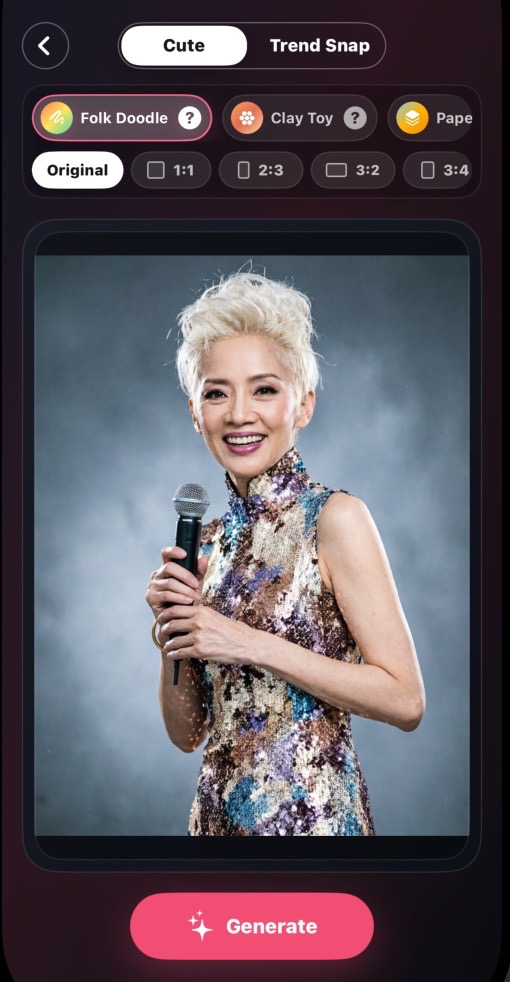
PhotoStyleStudio currently includes two main groups: Cute Style and Trend Shot Style. Cute Style focuses on handmade, playful, and healing looks, such as Folk Doodle Illustration and Clay Toy. Trend Shot Style focuses on portrait, street, and social-media-ready looks, such as Neon Night Street and Fashion Magazine. Choose a specific style and tap Generate to let AI transform the photo.
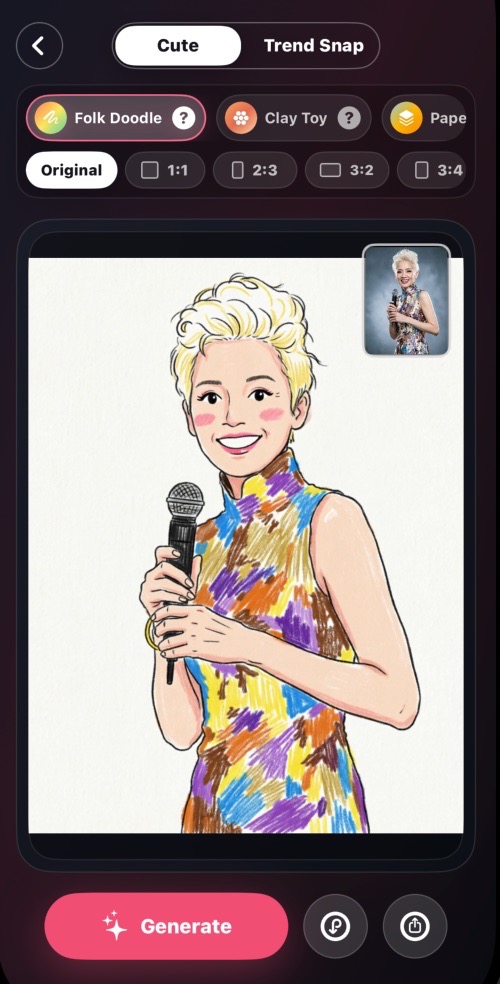
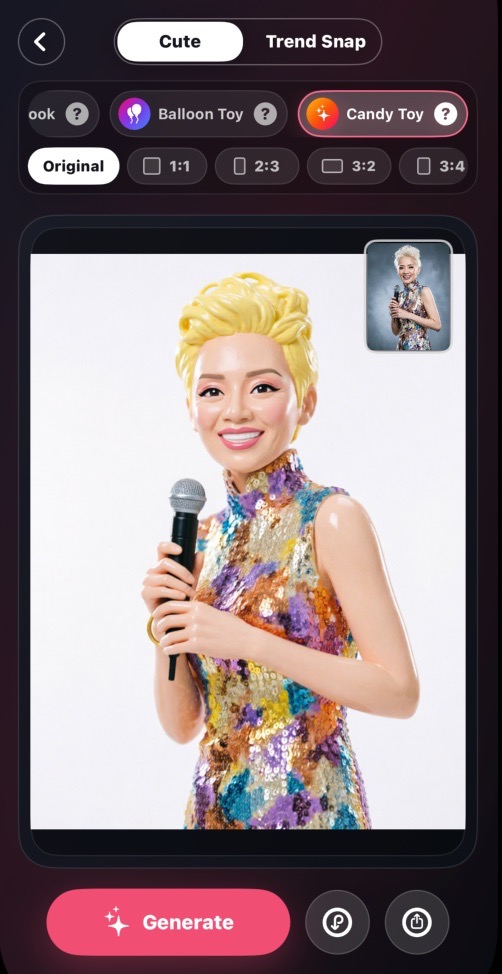
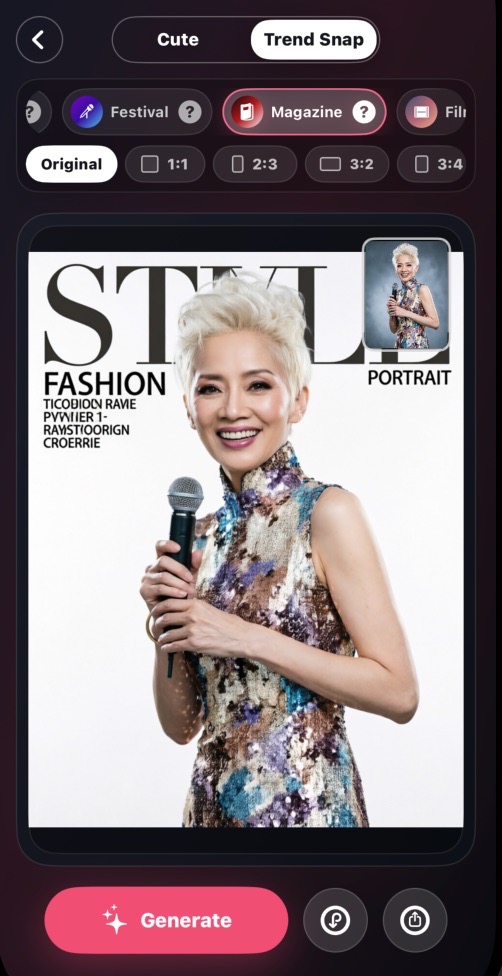
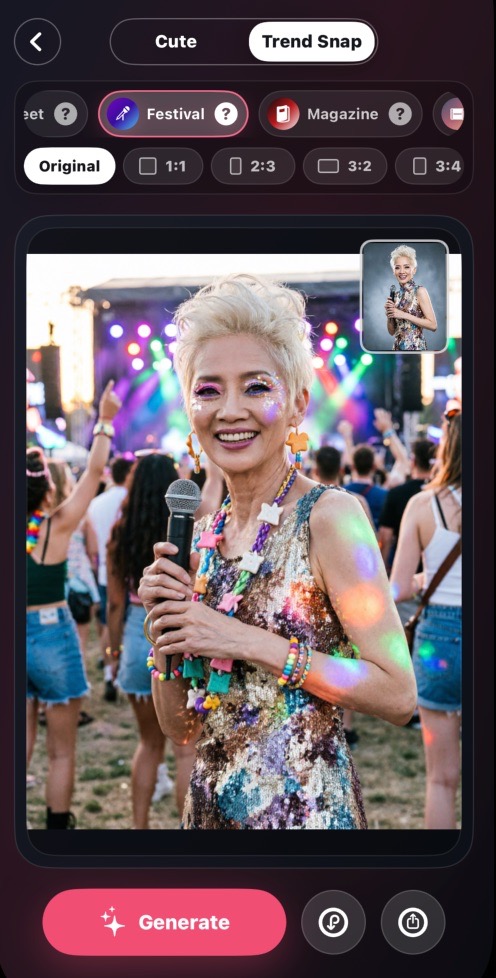
After generation, preview the result, save it to Photos, or share it directly to social platforms and messaging apps.
More portrait themes and creative styles will be added over time, giving the same photo more ways to express a different mood.
Two main groups are available now: Cute Style (Folk Doodle Illustration, Clay Toy, and more) and Trend Shot Style (Neon Night Street, Fashion Magazine, and more). New styles are added regularly.
Some AI style generation may require a network connection to deliver the best results. Basic photo import and preview work offline.
Generated images are yours to save and share. For commercial use, please review the App Store listing terms and applicable laws for AI-generated content.