This is a small tool about "Enhancing Portrait Clarity"
Users can select an old photo from the album or files, and this tool will enhance its clarity, making the image sharper and clearer.
Users can select an old photo from the album or files, and this tool will enhance its clarity, making the image sharper and clearer.
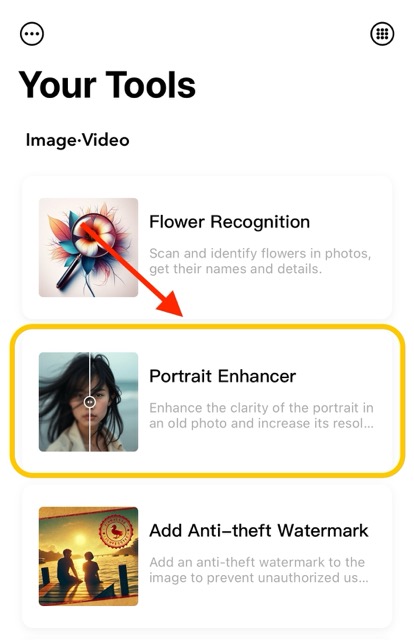
The "Portrait Enhancer" feature is located on the homepage function list page. You can enter it by clicking on the homepage function list or press and hold to select the image to access this feature.
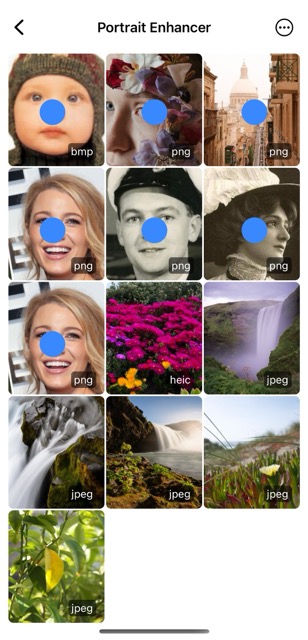
You can select an portrait photo from the photo library, Files app, or iCloud, and enhance the portrait.
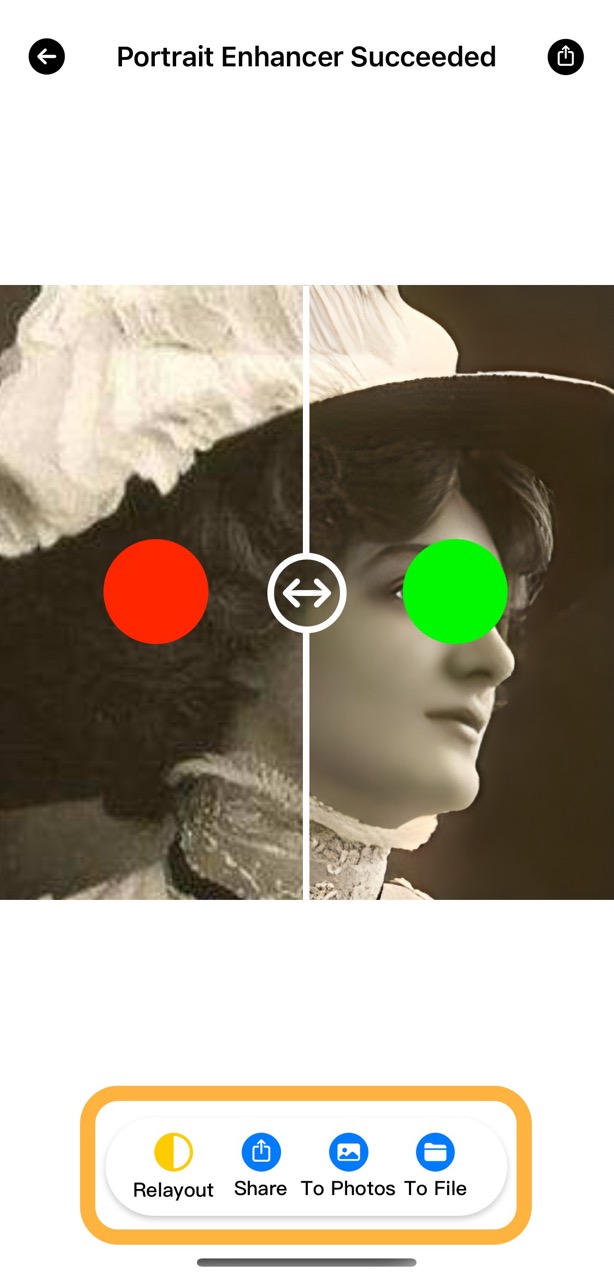
After selecting a photo for enhancement, a comparison view of the original and enhanced images appears, allowing users to slide to see the differences. The enhanced photo can also be shared, saved, or downloaded.