QR Code & Barcode Scanner – Scan, Decode & Act on iPhone
This tool allows users to select images from a camera device or album resources. If the image contains a QR code or barcode, it can be recognized. Different types of content can be identified, and different actions can be performed based on the content.
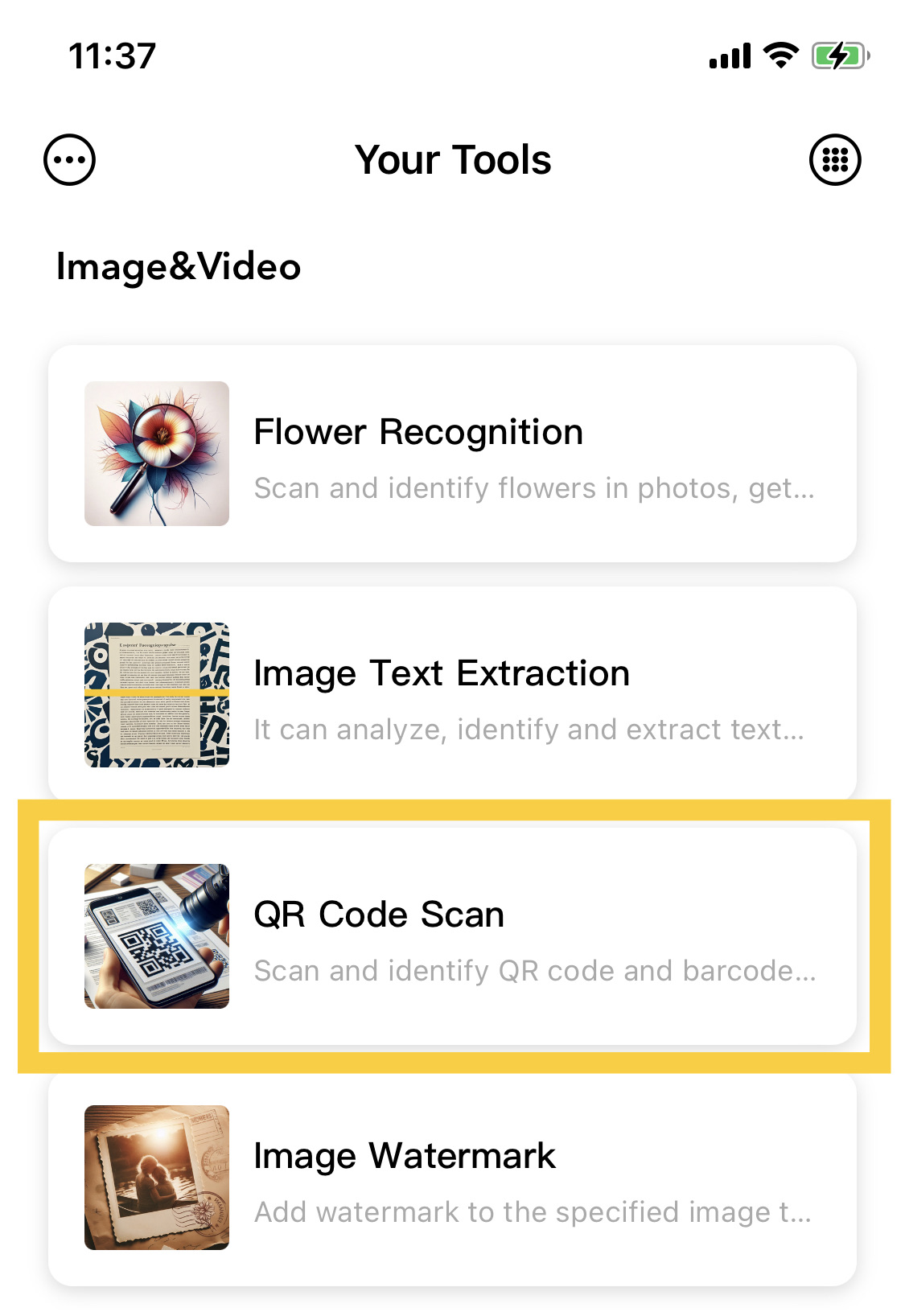
1. Select the QR Code Scan Feature
The QR Code Scan feature is located on the homepage function list page. You can enter it by clicking on the homepage function list or press and hold to select an image with a QR code or barcode to scan.

2. Capture with the Camera
After clicking this feature, you will enter the QR code image capture page. You can place the QR code image within the camera lens for capture and recognition. If you cannot capture images through the camera, you can adjust settings and operations on the Settings page.
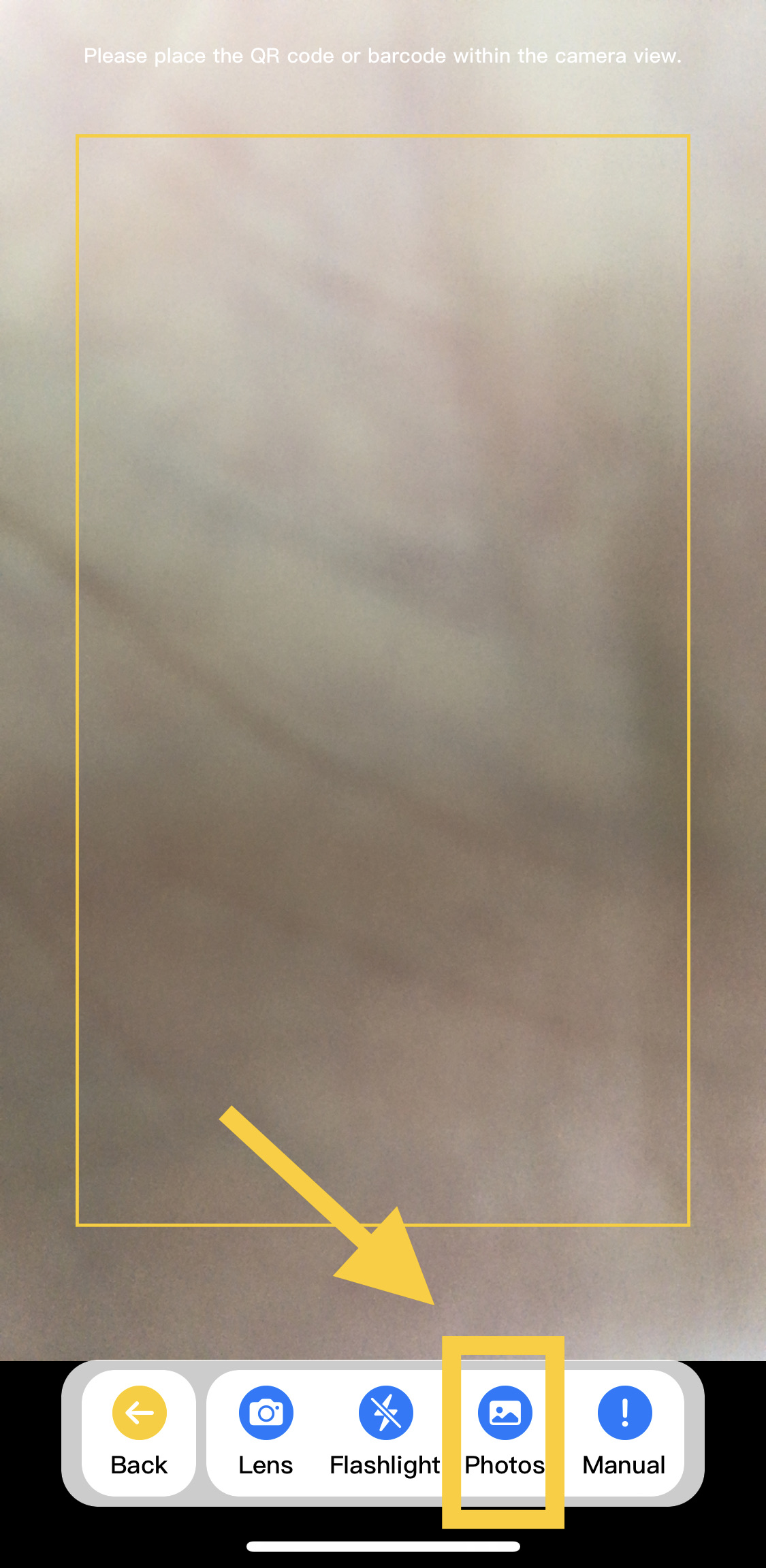
3. Select Images from the Library
Click the bottom operation button to select images with QR codes or barcodes from the image resource library for scanning, and to recognize the QR code or barcode information in the images.
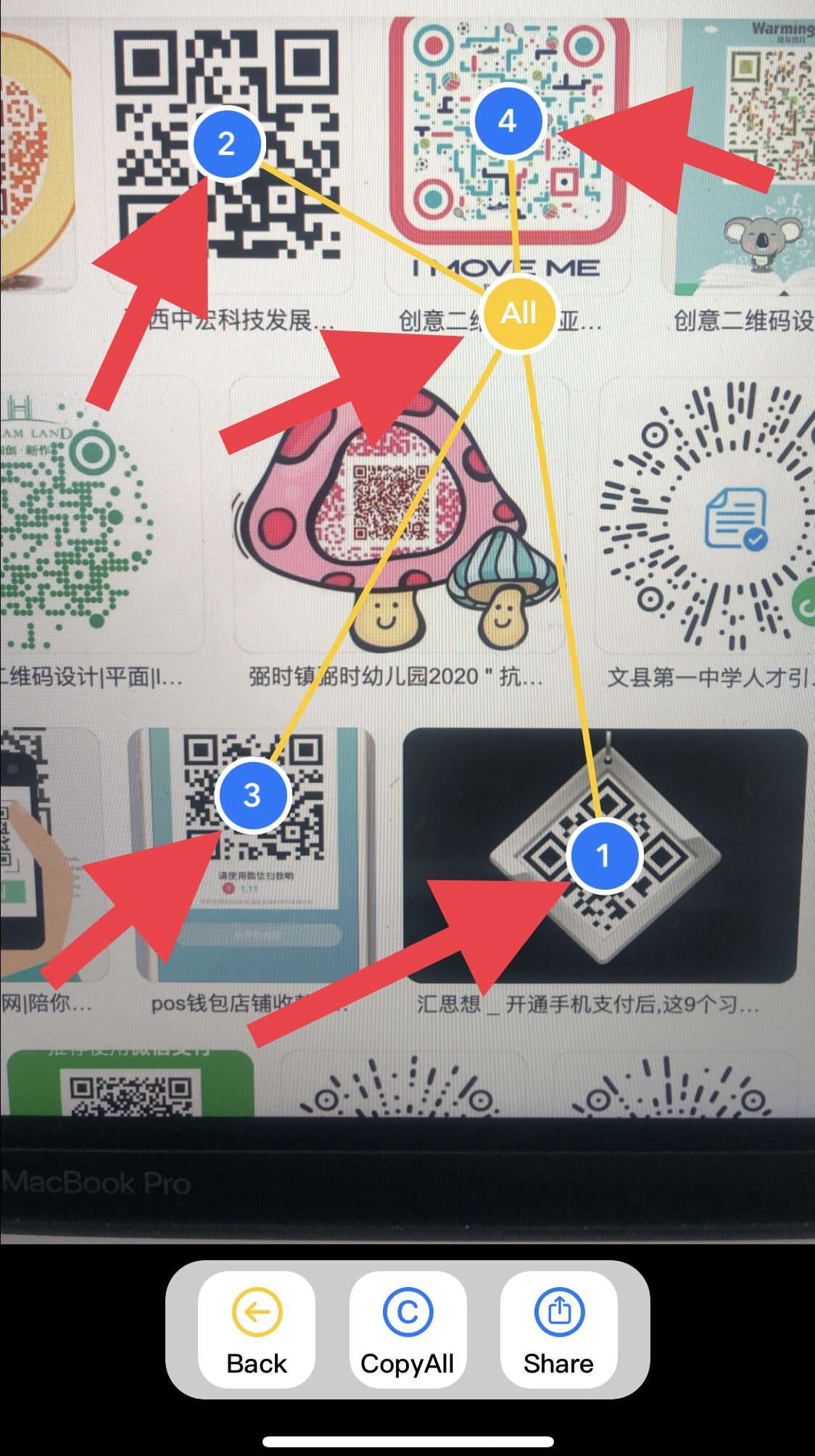
4. Image Scan Results
After scanning an image and obtaining results, the result page will display numeric nodes, with each node representing a result. This feature can scan for multiple results. Clicking on each numeric node will display the result information, including the type of scanned content, specific details, and related operations.
You can click All to enter the list of all result sets, displaying all results, or perform corresponding operations in the list.
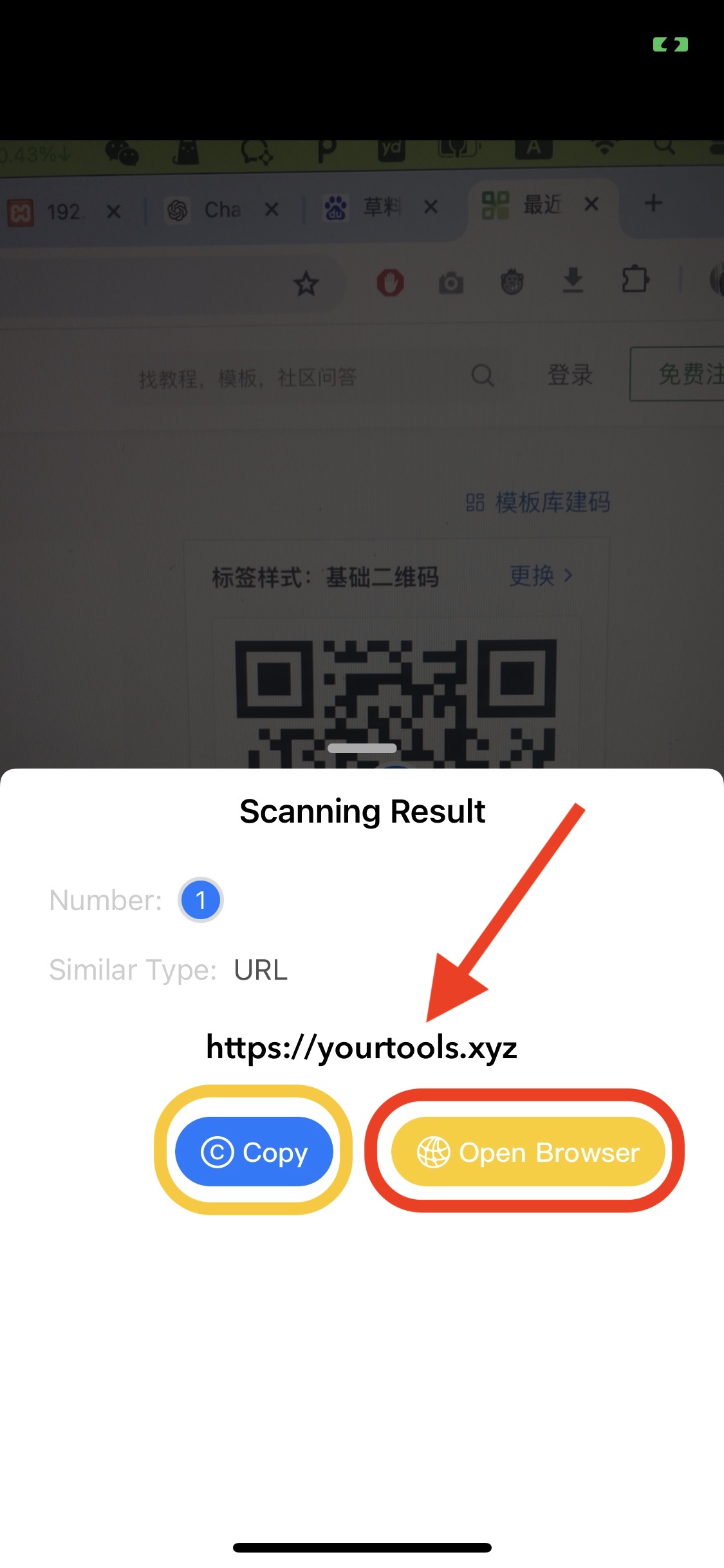
After clicking on a numeric node, the content corresponding to the current scan result will appear, including the content type, specific details, and content operations. You can copy the scanned content and perform related operations on it.
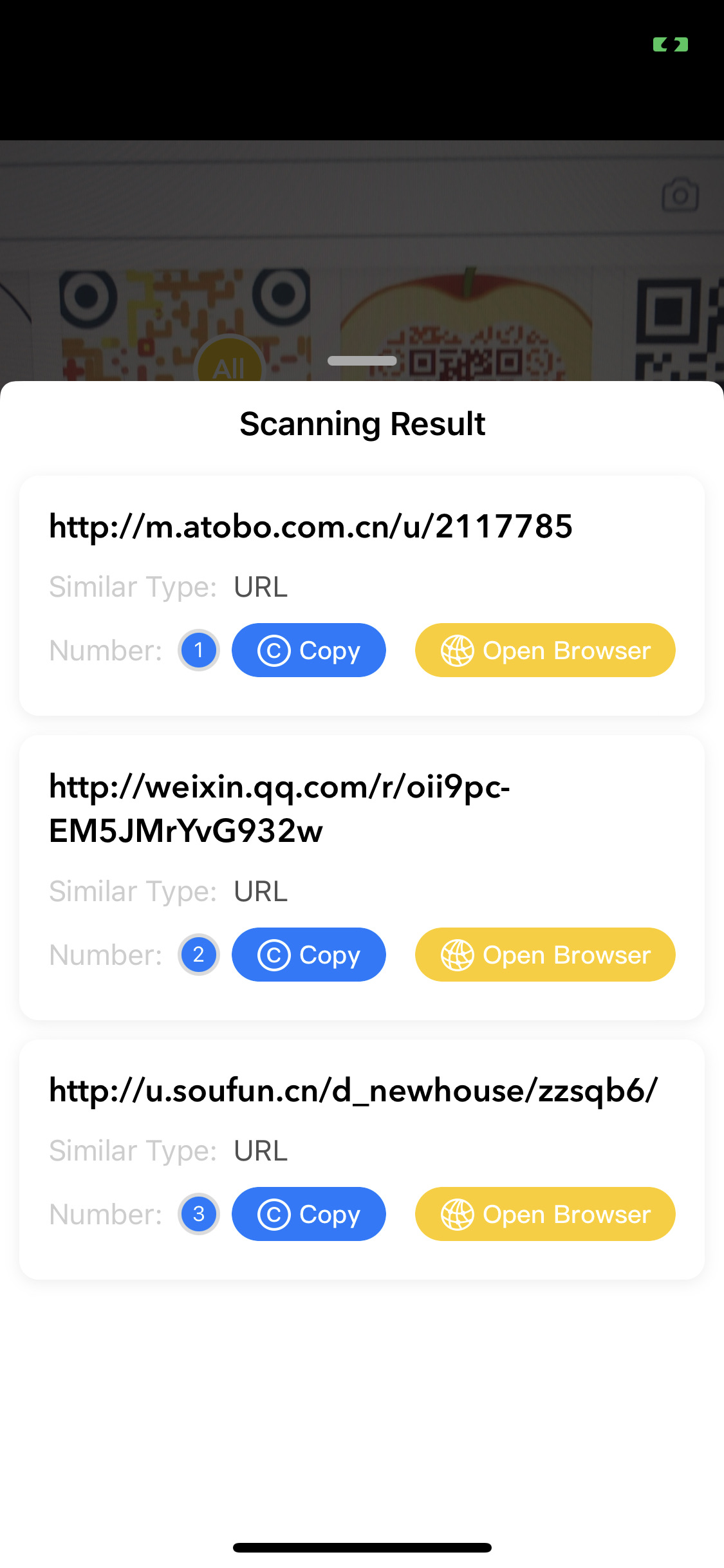
Clicking All will display a list of all result sets, enabling you to perform corresponding operations on each result in the set. You can also share the scan results.