Smart Copywriting Check – AI Copy Editor for Social Media

Smart Copywriting Check is designed for social media creators, content teams, marketers, video creators, and multilingual writers. Before publishing, it checks articles, social posts, and voice-over scripts for spelling, grammar, fluency, clarity, structure, platform fit, AI-like wording, and lightweight content risks. It then provides actionable corrections and an optional AI rewrite.

Who It Is For

It is useful for creators publishing on WeChat, Toutiao, Xiaohongshu, TikTok, X, YouTube, and other content platforms, as well as anyone reviewing product copy, campaigns, brand content, scripts, or everyday articles. Platform and check-scope selections are optional; General mode applies broad writing standards without forcing platform-specific rules.
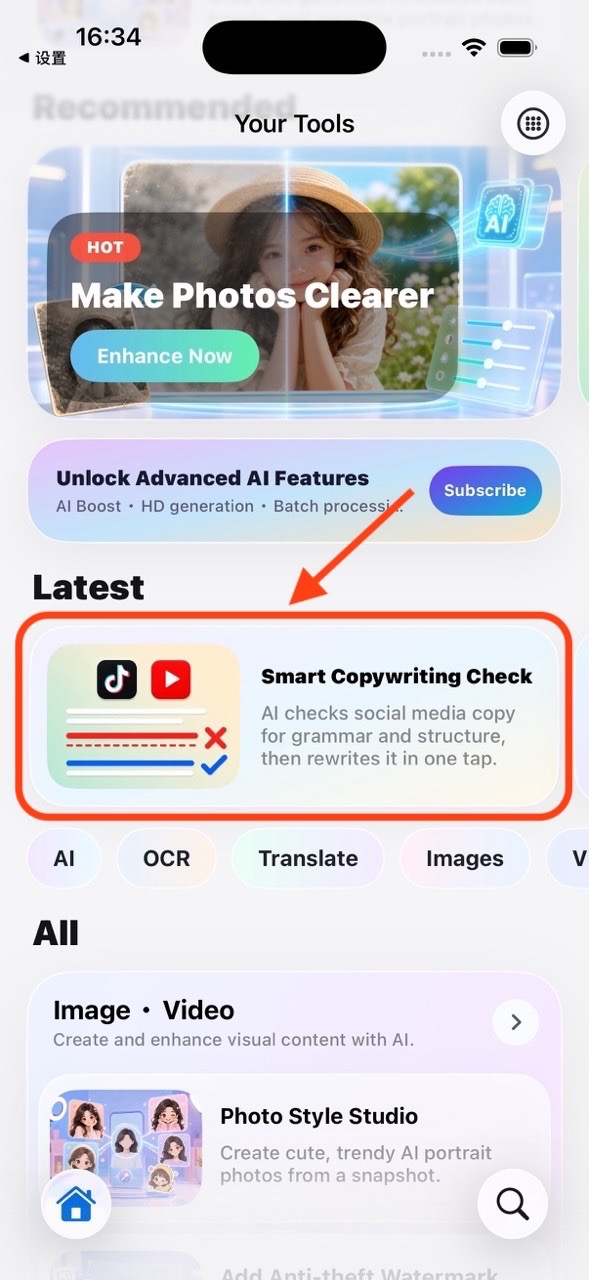
1. Open the Tool

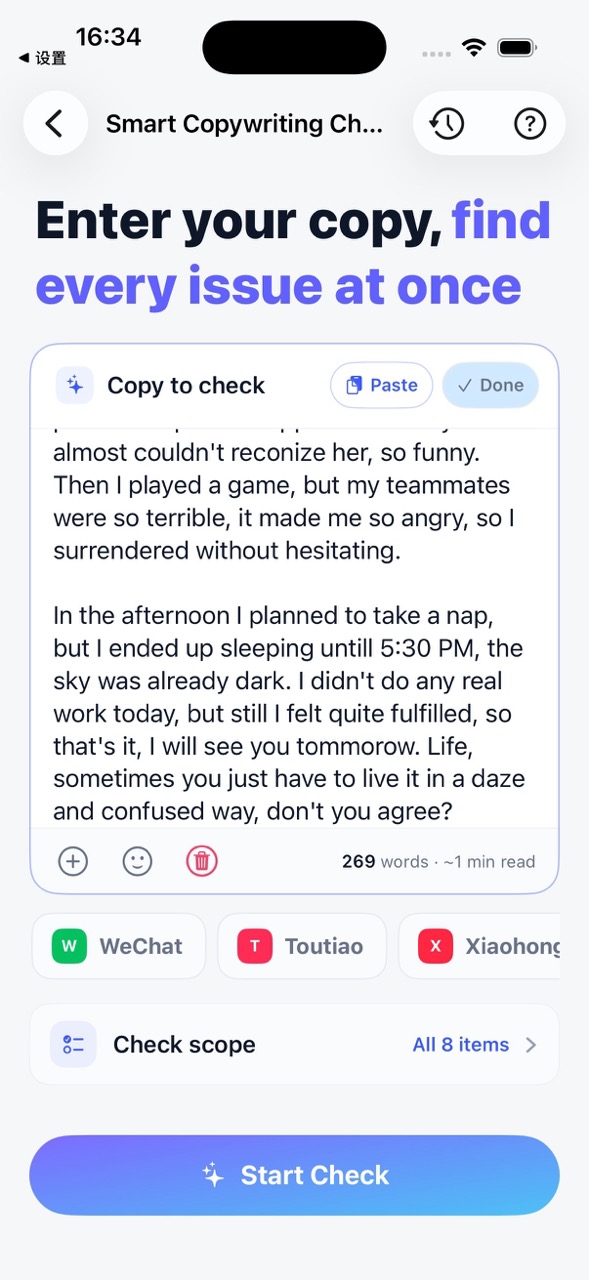
Open Smart Copywriting Check from the Your Tools home page. The workspace includes text input, optional publishing-platform selection, and check-scope settings. History and this guide are available from the navigation bar.

Open Smart Copywriting Check from the Your Tools home page

2. Paste or Import Copy

Type directly or tap Paste to read text from the clipboard. If the editor already contains text, pasted content is appended on a new line. The add button opens the Files app and supports TXT, Markdown, RTF, PDF, and DOCX documents. Imported text keeps paragraphs, line breaks, spaces, and tabs whenever the source format allows it.

Paste or import copy from clipboard or Files app

3. Check the Copy

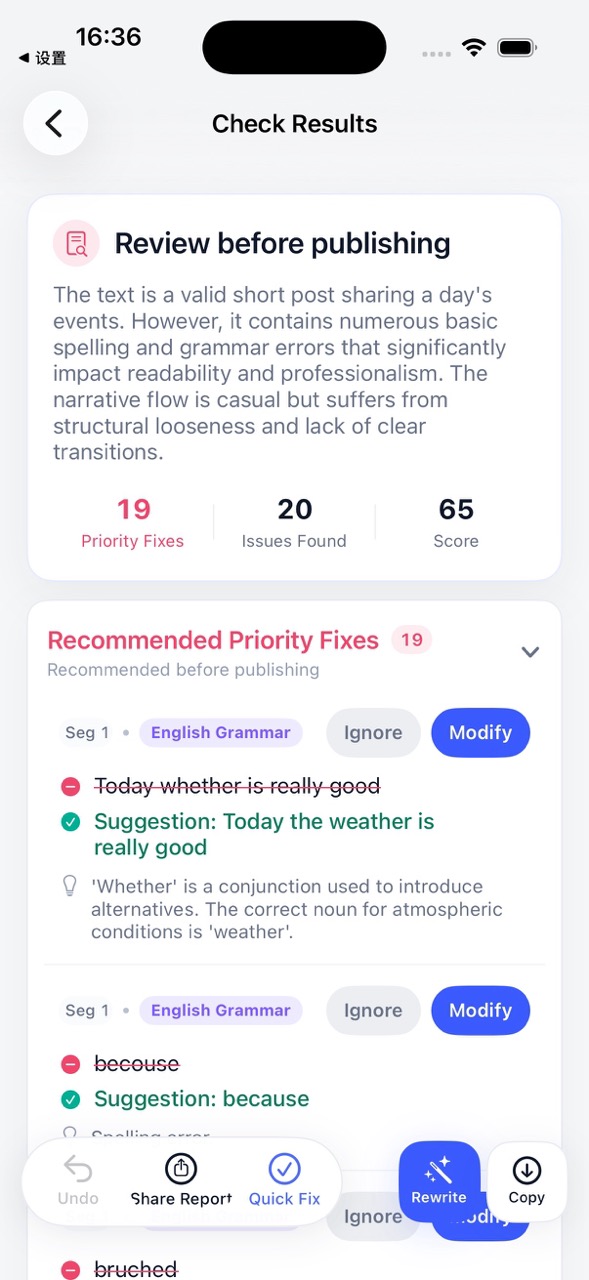
Select a platform and check scopes when needed, then tap Start Check. A selected platform lets the analysis consider its content style; General mode uses common standards for length, structure, and expression. The report summarizes the overall result and organizes confirmed issues, priority fixes, and optimization suggestions into clear sections.

Check copywriting results with issues and suggestions

4. Edit and Apply Fixes

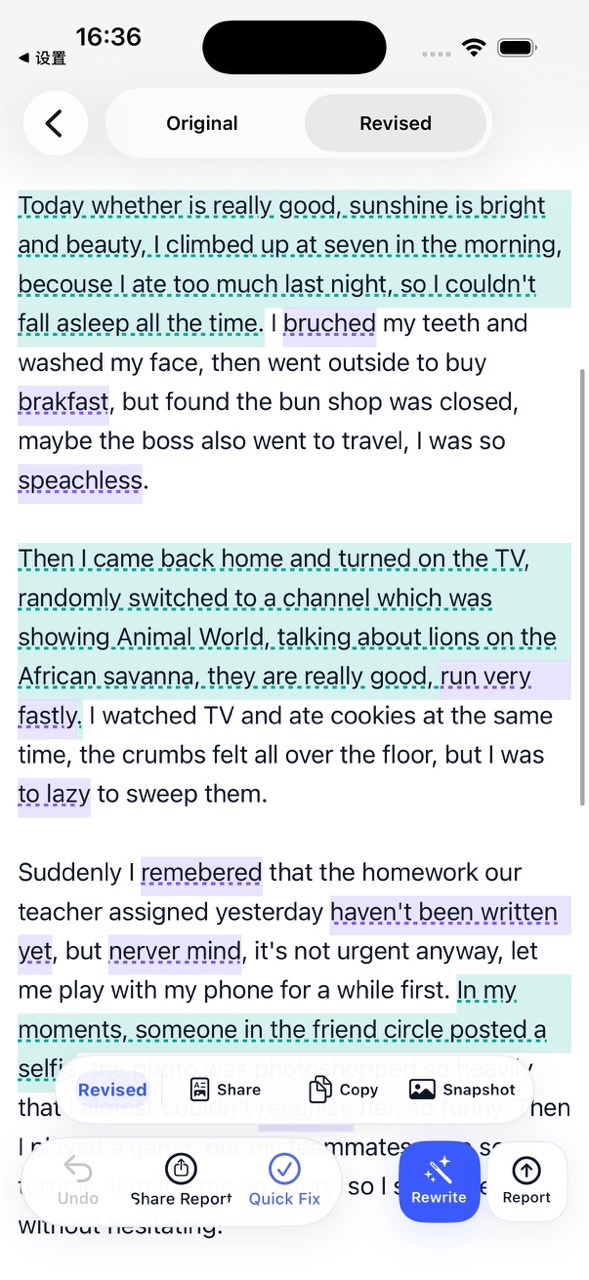
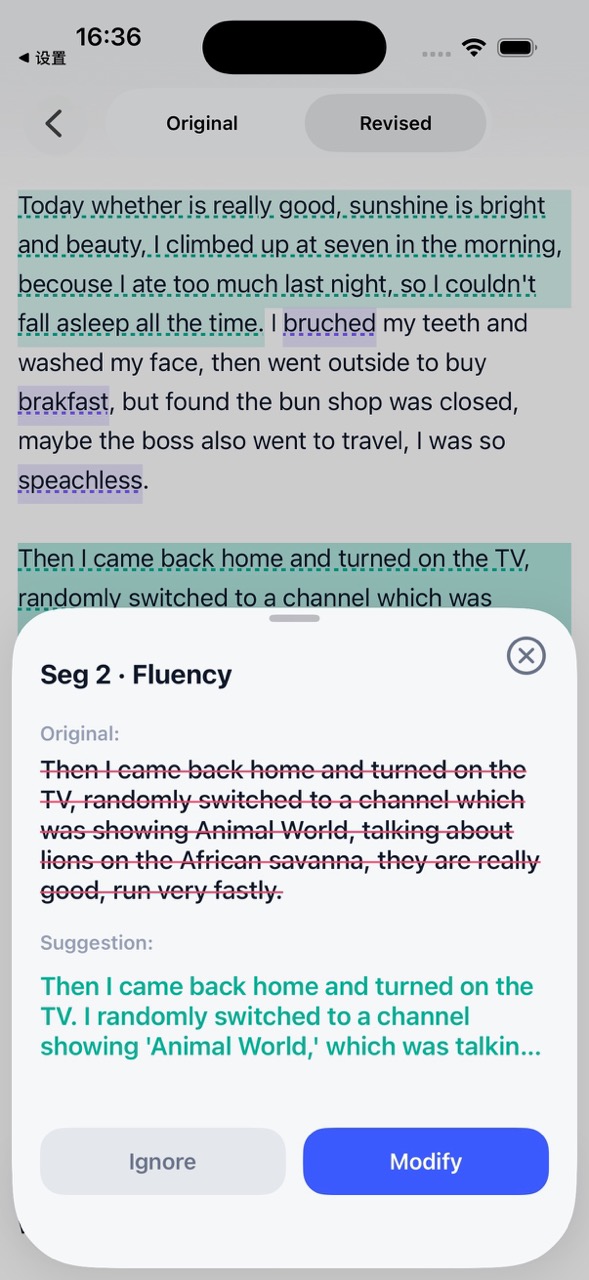
Actionable issues show the original text, issue type, explanation, and suggested replacement. Ignore items that do not fit your intent, or tap Modify to locate the text and apply the suggestion. Apply All only processes issues that have not been ignored or modified and that contain an actionable correction. The original draft remains available for comparison.

Edit and apply fixes to copywriting issues

5. Rewrite with AI

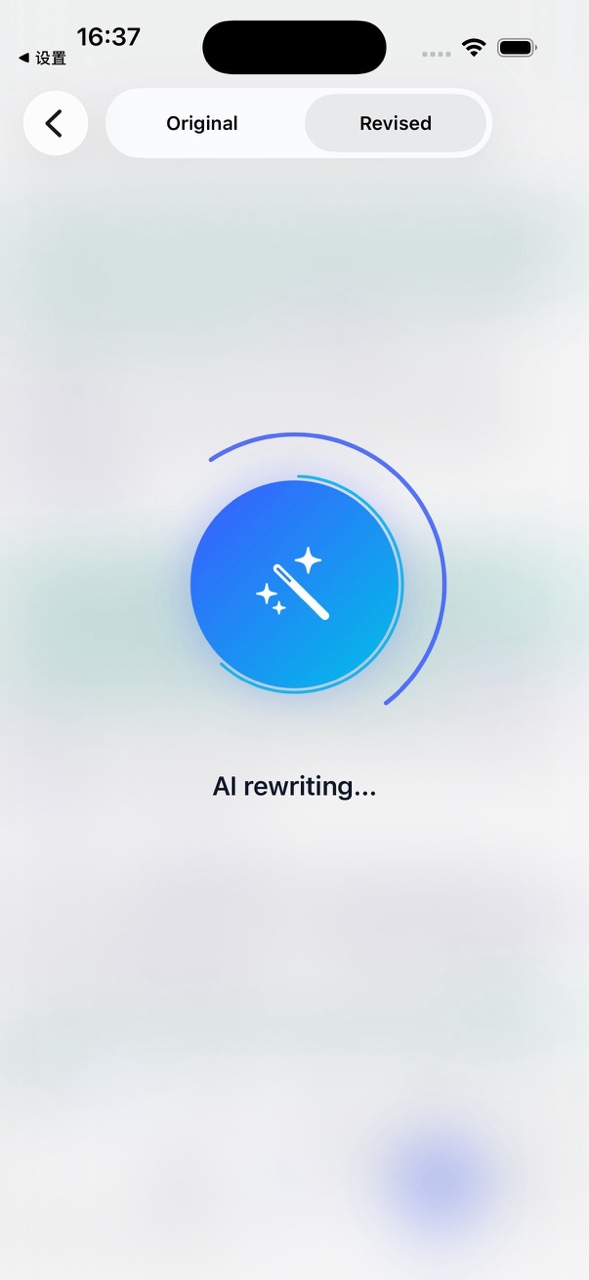
AI Rewrite starts from the original draft and uses the detected issues, optimization suggestions, and selected platform to reorganize the copy. It preserves the main idea and known facts and must not invent data, examples, or product details that were not provided. The result appears as a separate rewritten draft with a suitable title.

Rewrite copy with AI based on detected issues

6. Save and Share

The report can be copied, exported as a PDF, or shared through the system share sheet. The original, modified, and rewritten drafts can each be copied, exported as PDF, or saved as a long image. Export actions always follow the currently selected draft, and the modified draft uses the user's latest edits.

Save and share copywriting report and drafts

When You'll Need a Copywriting Checker

Frequently Asked Questions

What file formats can I import?

TXT, Markdown, RTF, PDF, and DOCX are supported via the Files app. Paragraphs, line breaks, spaces, and tabs are preserved whenever possible.

Do I need to select a specific platform?

No. Platform selection is optional. General mode applies broad writing standards for length, structure, and expression without platform-specific rules.

Does AI Rewrite change my original draft?

No. AI Rewrite produces a separate rewritten draft. Your original and modified drafts remain available for comparison and export.

Download Your Tools on the App Store