Get Audio File
How to share audio from other third-party apps to "Xtools" and perform audio noise reduction.
How to share audio from other third-party apps to "Xtools" and perform audio noise reduction.
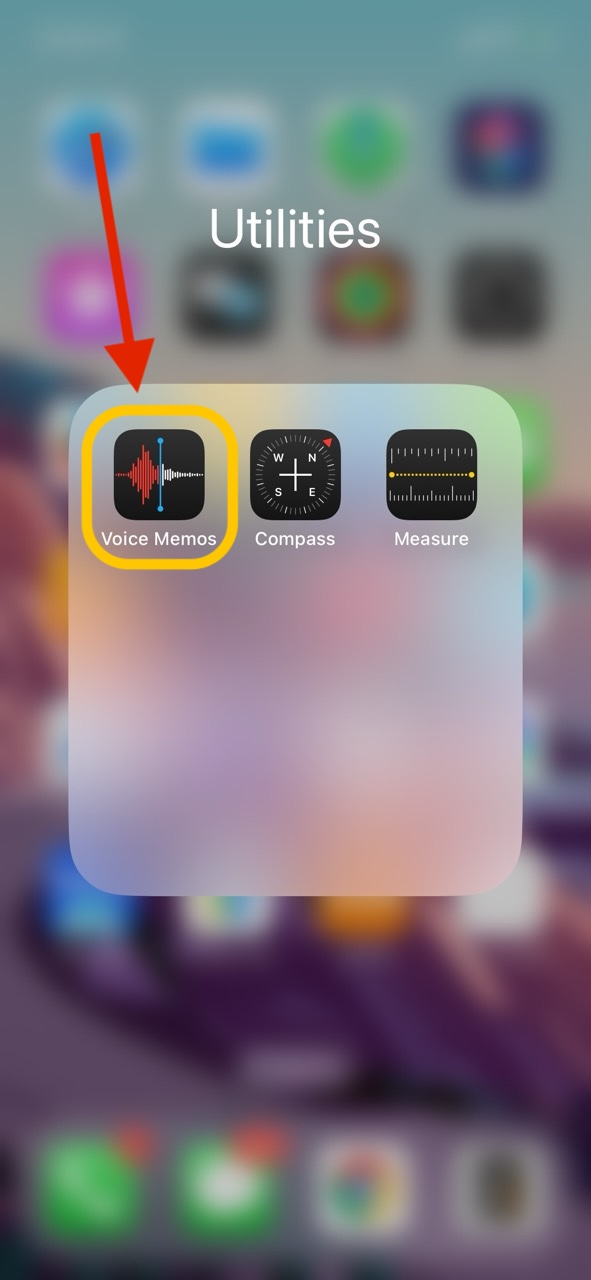
You can extract poorly recorded audio from Voice Memos to "Xtools" and perform audio noise reduction.
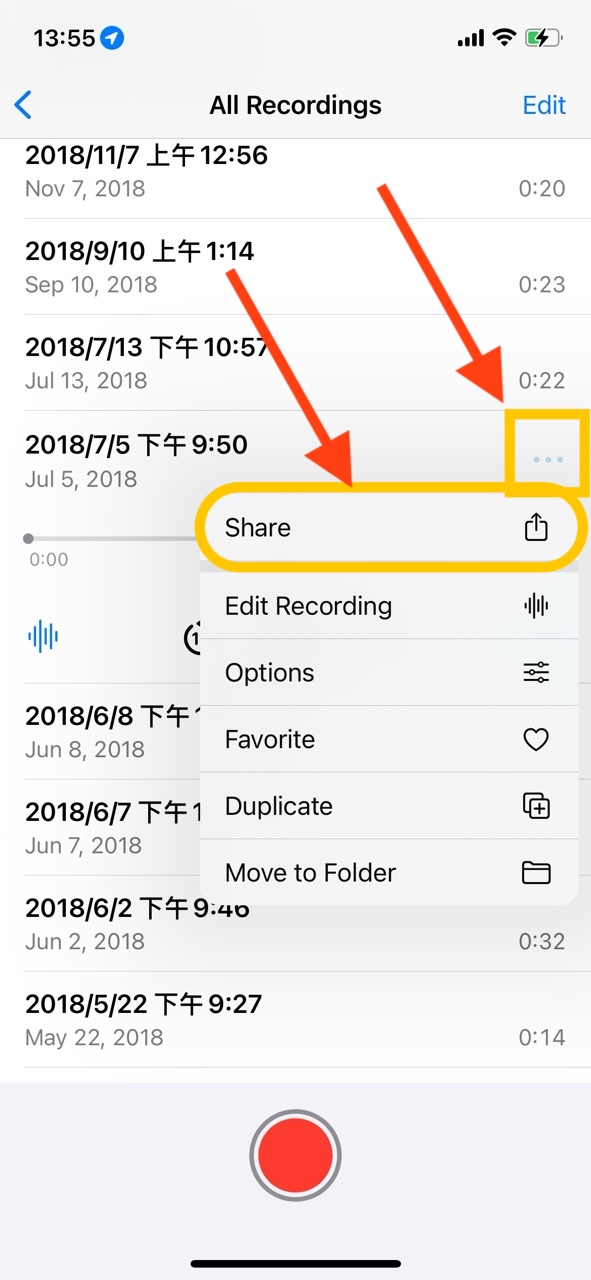
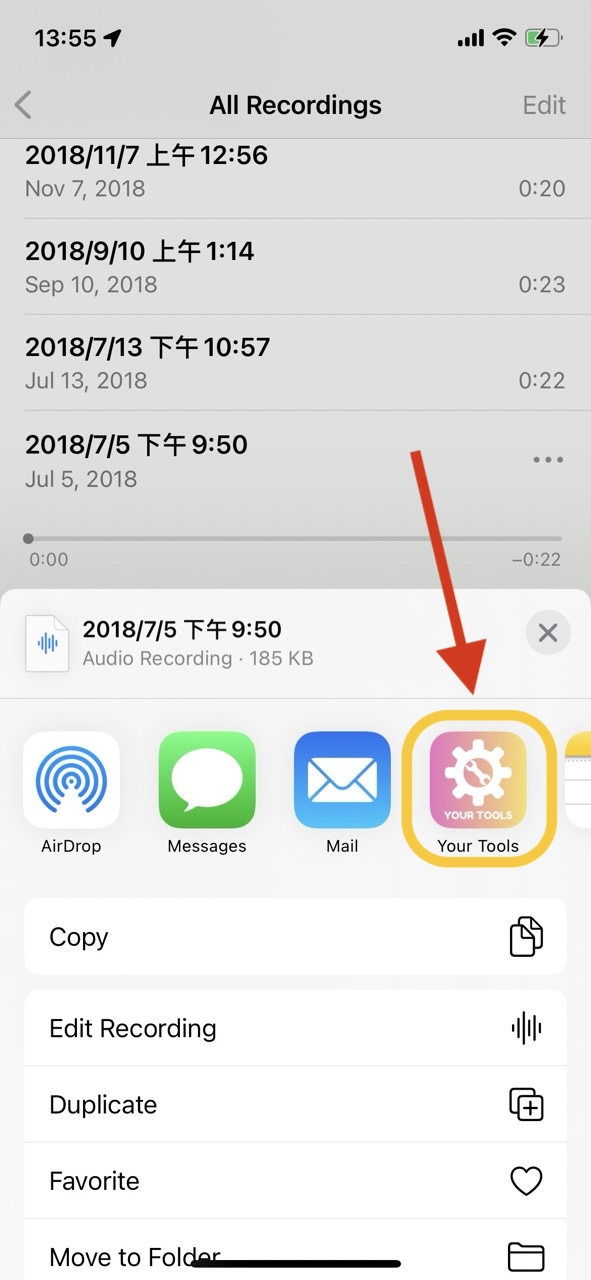
Select an audio file to be extracted, click "More", then click Share to extract the audio to "Xtools".
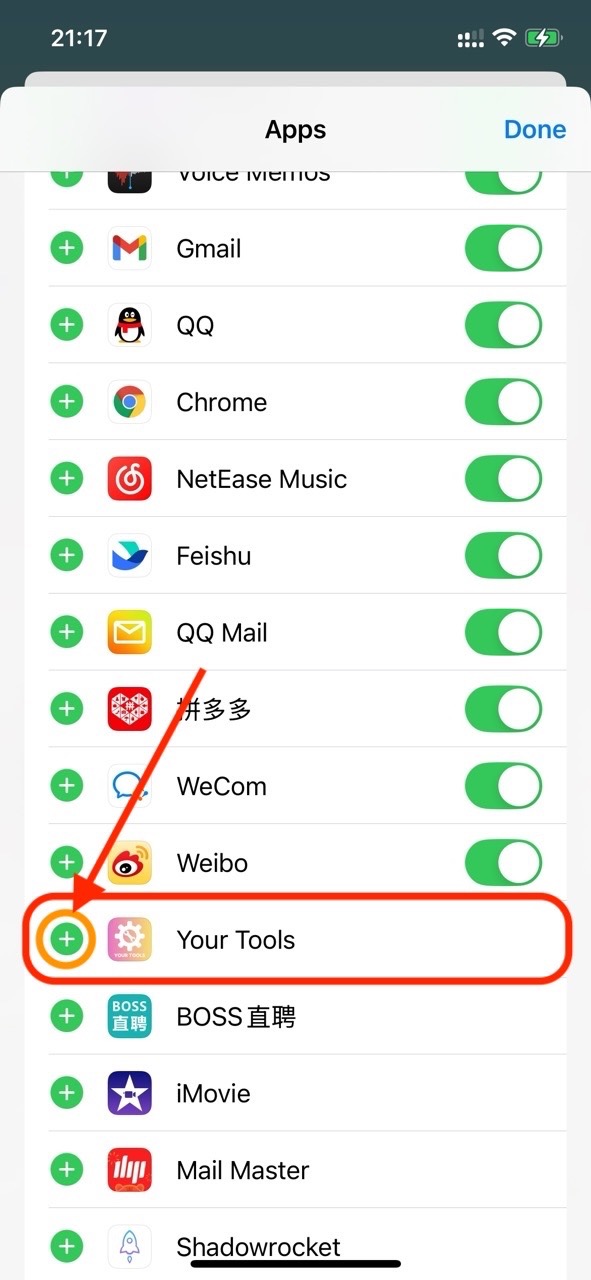
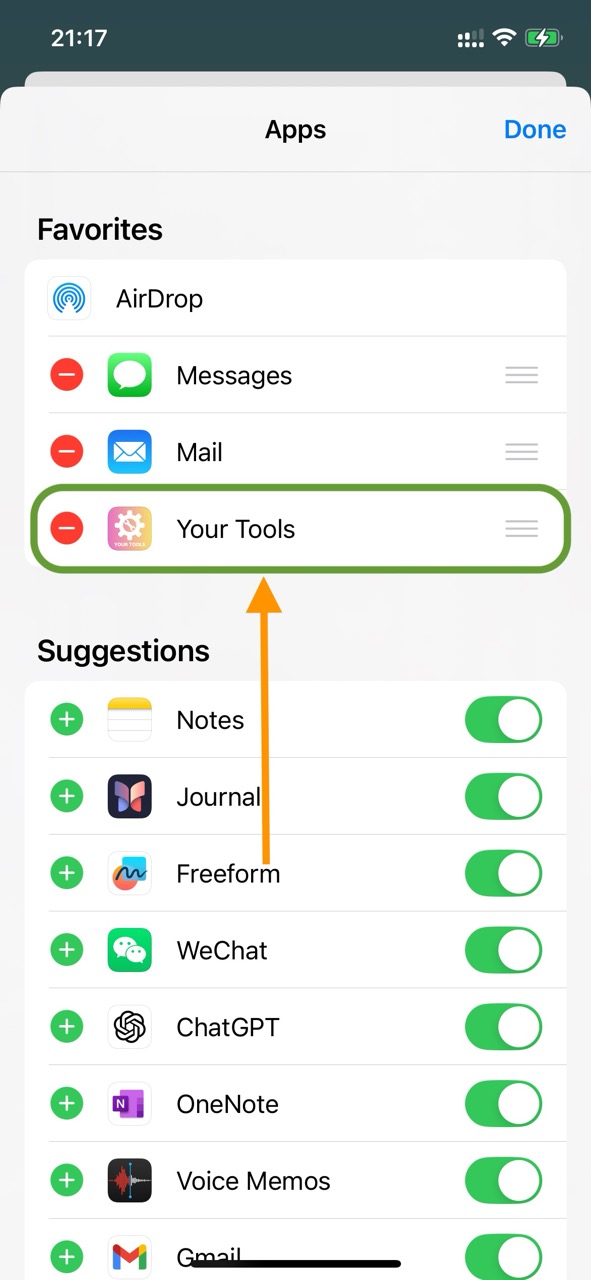
After the share dialog appears, click "Xtools" to extract the current audio. If "Xtools" is not in the share options, you need to manually add it to the share list.
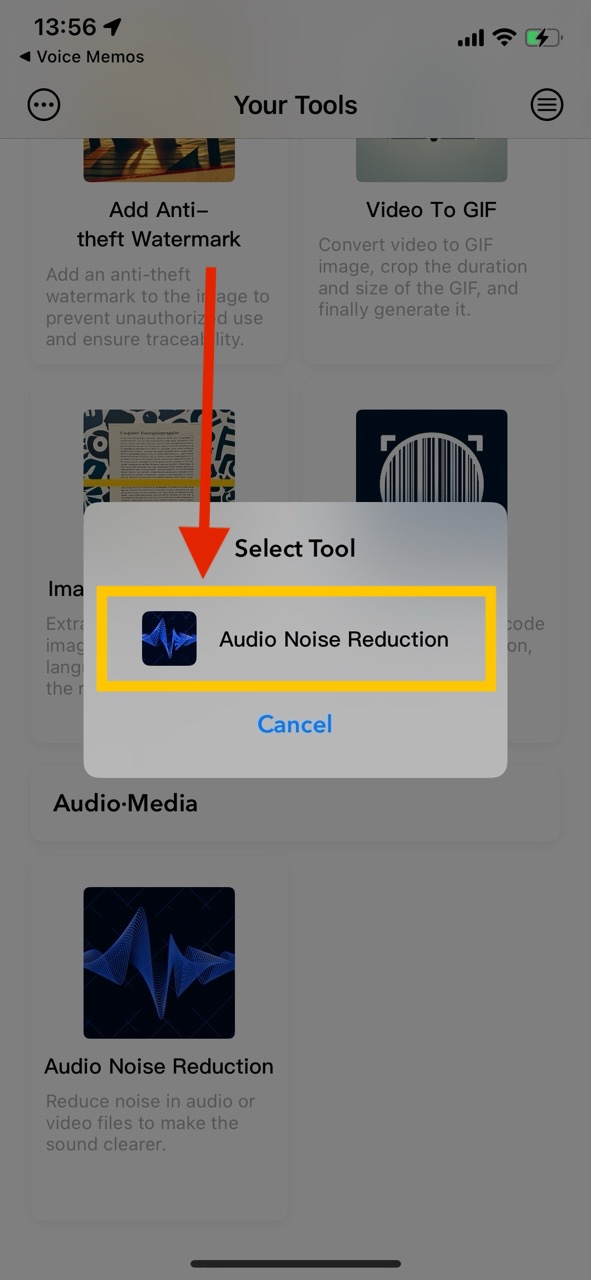
Finally, choose the "Audio Noise Reduction" feature to directly enter the audio noise reduction page for media file processing.